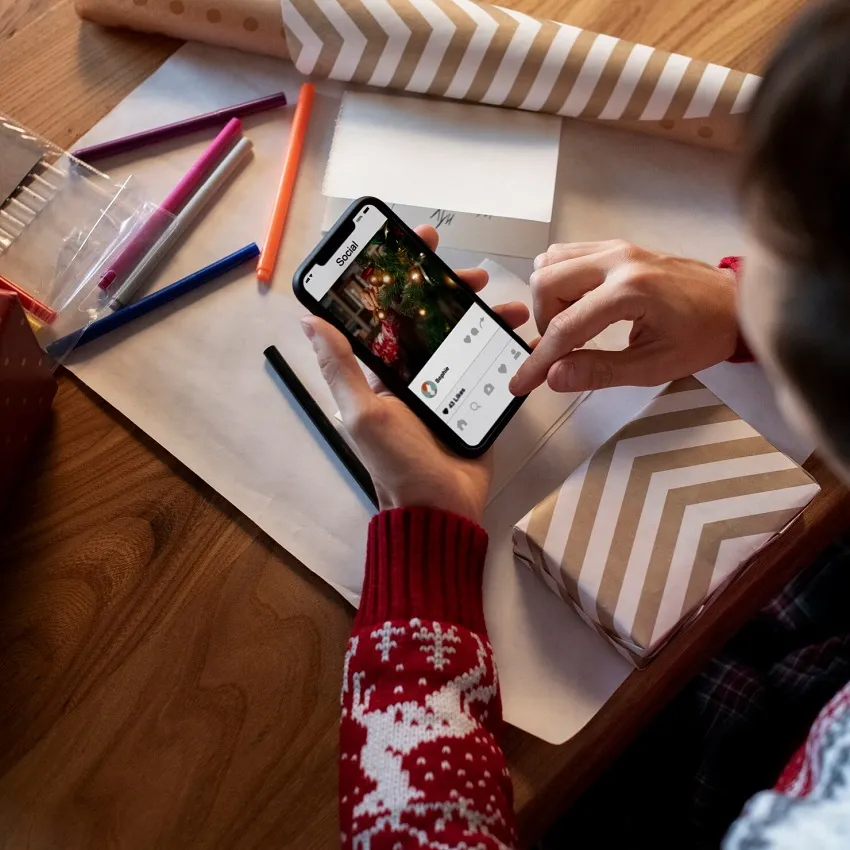
Creating visually stunning content is essential for influencers, creators, and social media enthusiasts. Whether you want to enhance photos, create eye-catching videos, or design professional-looking Reels and Stories, the right editing apps can make all the difference.
Here’s a curated list of the best apps for editing photos and videos that help you elevate your content like a pro in 2026.
1. Canva–Design and Video Editing Made Simple
Canva is perfect for beginners and pros alike:
- Edit photos and videos with drag-and-drop simplicity
- Use thousands of templates for Instagram posts, TikTok, and Reels
- Add animations, text overlays, and stickers
💡 Tip: Canva is ideal for creators who want quick, polished edits without advanced software.
2. Adobe Lightroom–Professional Photo Editing
Adobe Lightroom is a top choice for photo enthusiasts and influencers:
- Adjust exposure, color, and lighting with precision.
- Use presets for consistent aesthetic across your feed.
- Works on both mobile and desktop.
Lightroom is perfect for creating aesthetic, cohesive Instagram feeds.
3. InShot–All-in-One Video Editor
InShot is an easy-to-use app for video editing:
- Trim, cut, and merge clips effortlessly.
- Add music, text, and stickers.
- Adjust speed, transitions, and effects.
It’s ideal for creating Reels, TikToks, and YouTube Shorts quickly.
4. Snapseed–Advanced Photo Editing for Free
Snapseed, by Google, is a free yet powerful photo editor:
- Offers professional editing tools like healing, brush, and HDR.
- Easy-to-use filters and presets.
- Supports RAW photo editing.
Snapseed is perfect for creators who want high-quality photo edits without paying for software.
5. VSCO–Aesthetic Editing Made Easy
VSCO combines filters and advanced editing tools:
- Apply trendy filters for Instagram and TikTok.
- Adjust exposure, contrast, and saturation.
- Edit photos and short videos.
VSCO is perfect for creating a visually cohesive and stylish social media feed.
6. CapCut–Trendy Video Editing
CapCut is one of the most popular apps for viral social media videos:
- Add transitions, text, and special effects.
- Use trending music and sounds.
- Create vertical videos optimized for TikTok and Instagram Reels.
CapCut is ideal for creative, trend-focused video content.
7. PicsArt–Creative Photo & Video Editing
PicsArt is a versatile app for both photo and video editing:
- Collages, stickers, text overlays, and effects.
- Background removal and advanced cutout tools.
- Animation and AR filters.
It’s perfect for creators who love experimenting with creative edits.
8. Lightroom Mobile Presets–Speed Up Your Editing
Using Lightroom presets allows you to:
- Apply professional photo filters instantly.
- Maintain a consistent brand aesthetic.
- Save time while editing multiple photos.
Preset packs are great for influencers managing large content schedules.
9. Adobe Premiere Rush–Professional Video Editing on Mobile
Adobe Premiere Rush brings desktop-level video editing to mobile:
- Multi-track editing, transitions, and effects.
- Export videos in multiple formats.
- Sync projects between devices.
Perfect for creators who want high-quality video content without a desktop.
10. Unfold–Stylish Stories and Collages
Unfold is excellent for creating Instagram Stories and video collages:
- Elegant templates for stories and reels.
- Add text, stickers, and animations.
- Minimalist design focus.
It’s perfect for creators aiming for a clean and modern aesthetic.
Final Thoughts
The right apps for editing photos and videos can take your content to the next level. Whether you’re a beginner or an advanced creator, tools like Canva, CapCut, Lightroom, and InShot help you create stunning visuals and videos quickly.
Start experimenting with these apps, find your preferred workflow, and watch your social media content stand out like a pro in 2026!